Existing text-guided image editing methods primarily rely on end-to-end pixel-level inpainting paradigm.
Despite its success in simple scenarios, this paradigm still significantly struggles with compositional editing tasks that require precise local control and complex multi-object spatial reasoning. This paradigm is severely limited by 1) the implicit coupling of planning and execution, 2) the lack of object-level control granularity, and 3) the reliance on unstructured, pixel-centric modeling. To address these limitations, we propose I2E, a novel "Decompose-then-Action" paradigm that revisits image editing as an actionable interaction process within a structured environment. I2E utilizes a Decomposer to transform unstructured images into discrete, manipulable object layers and then introduces a physics-aware Vision-Language-Action Agent to parse complex instructions into a series of atomic actions via Chain-of-Thought reasoning. Further, we also construct I2E-Bench, a benchmark designed for multi-instance spatial reasoning and high-precision editing. Experimental results on I2E-Bench and multiple public benchmarks demonstrate that I2E significantly outperforms state-of-the-art methods in handling complex compositional instructions, maintaining physical plausibility, and ensuring multi-turn editing stability.
Unlike existing methods that operate on pixels directly, I2E creates a structured representation that preserves object identity and spatial relationships while allowing flexible recombination. Through extensive experiments, we demonstrate that I2E enables complex editing operations such as object repositioning, scaling, and composition while maintaining visual fidelity and semantic coherence. Our interactive editor empowers users to iteratively refine results through a visual-language-action (VLA) interface.
 Halloween Scene
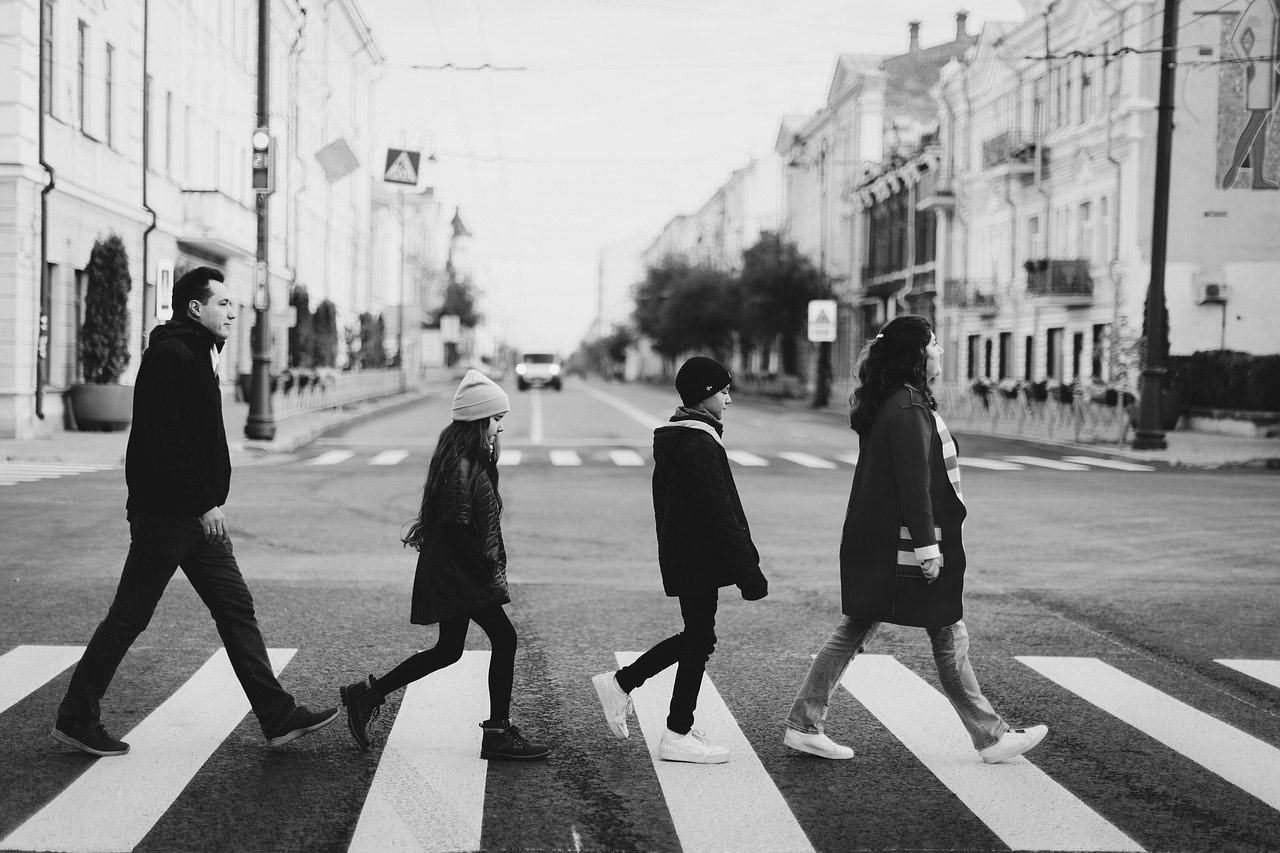 Group Photo